
Apex36 Website
A marketing site built from scratch, then migrated Vercel to GCP and tuned for AI search.
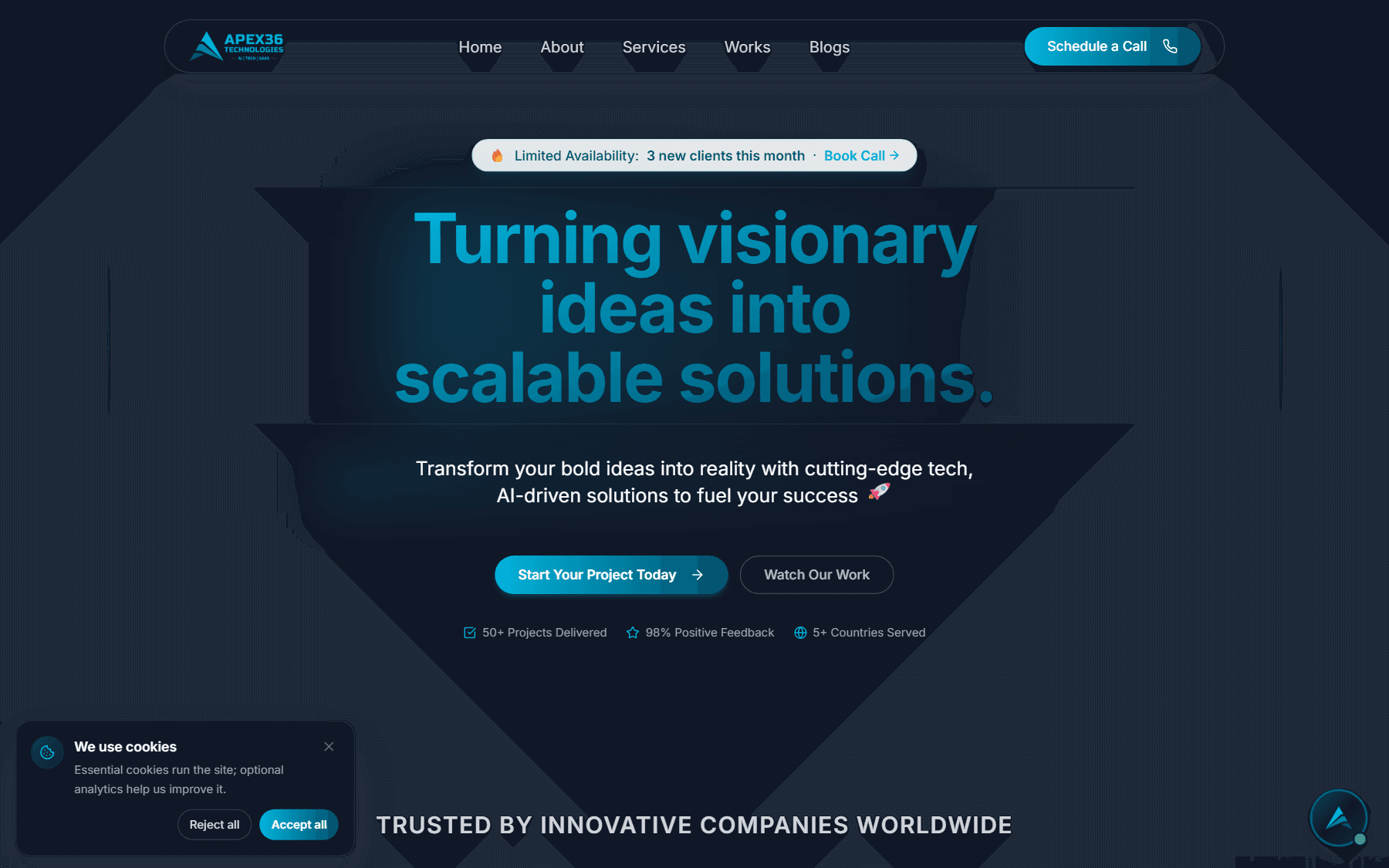
Apex36 needed a fast, well-ranked marketing site with a real blog pipeline. Later, 40+ blog posts on Vercel triggered large bandwidth overages, forcing an infrastructure migration - and AI crawlers could not see the structured data.
I built the site from scratch (90+ SEO score, Firebase-backed blog), then migrated it end to end from Vercel to Google Cloud Run, and ran a GEO/AEO overhaul so the site is legible to both Google and AI crawlers.
Next.js + Tailwind + Framer Motion, Firebase/Firestore blog pipeline
Multi-stage Docker standalone app, GCP Artifact Registry, Cloud Run, External Load Balancer + managed SSL
GitHub Actions with OIDC / Workload Identity - no stored service-account keys
GA4 (14 custom dimensions, funnels), PostHog, server-rendered JSON-LD, llms.txt, AI-crawler allowlist
From-scratch build
Full marketing site, 90+ SEO score, 30% faster load times.
Vercel to GCP
Resolved 183 GB bandwidth overages with a Cloud Run migration.
GEO/AEO overhaul
Server-rendered structured data, sitemap expansion, AI-crawler allowlists.
Analytics taxonomy
GA4 with 14 custom dimensions and lead/blog/chat conversion funnels.
| Metric | Value |
|---|---|
| SEO score | 0+ |
| overage resolved | 0 GB |
| GA4 custom dimensions | 0 |
| keyless CI/CD | OIDC |
Sole developer across every phase: the original from-scratch build, the Firebase blog pipeline, the Vercel to GCP Cloud Run migration (Docker, Artifact Registry, Load Balancer, managed SSL, OIDC CI/CD), the GA4 + PostHog analytics taxonomy, and the GEO/AEO implementation that made the site's structured data visible to AI crawlers.
- NEXT_PUBLIC vars inline at build time - silent analytics breakage taught me that the hard way.
- GEO is code-level: JSON-LD has to be server-rendered or AI crawlers never see it.
Want the deeper story?
Ask my AI about Apex36 Website for specifics, or reach out directly.